html TommyAPI — AI Model APIs for Production Apps, Agents & Workflows
— public models · loading catalogBrowse models →
View status before calling
One API. Every Model. Production Ready.

AI Model API Platform for Production

Access leading LLM, image, and video models through one TommyAPI API. Compare pricing, read docs, and start building for production apps, agents, and workflows.

No credit cardPay as you goCancel anytimeCheck current service status
02 Why TommyAPI.

Model access should be clear before you integrate.

TommyAPI isn't a price-cut aggregator or a model showroom. It's the platform layer that makes adding an AI model to a real product a deliberate choice instead of a guess.

/01

Clear model access

See supported models, capabilities, and docs before you start integrating. No mystery wrappers, no surprise behavior — every model has a documented surface.

Browse supported models →
/02

Flexible model choices

Compare model families as your needs change. Move between GPT, Claude, Gemini, and image or video families without rewriting your stack each time.

Compare model families →
/03

Built for real use

Start from model pages, docs, and API access paths — not from demos. Every entry point is built to lead toward an integration you can ship.

Read the docs →
/ 03 — Models

Explore Models by Type

Explore video, image, language, and audio models available through TommyAPI. Compare leading APIs by the capabilities and controls that matter to your production workflow.

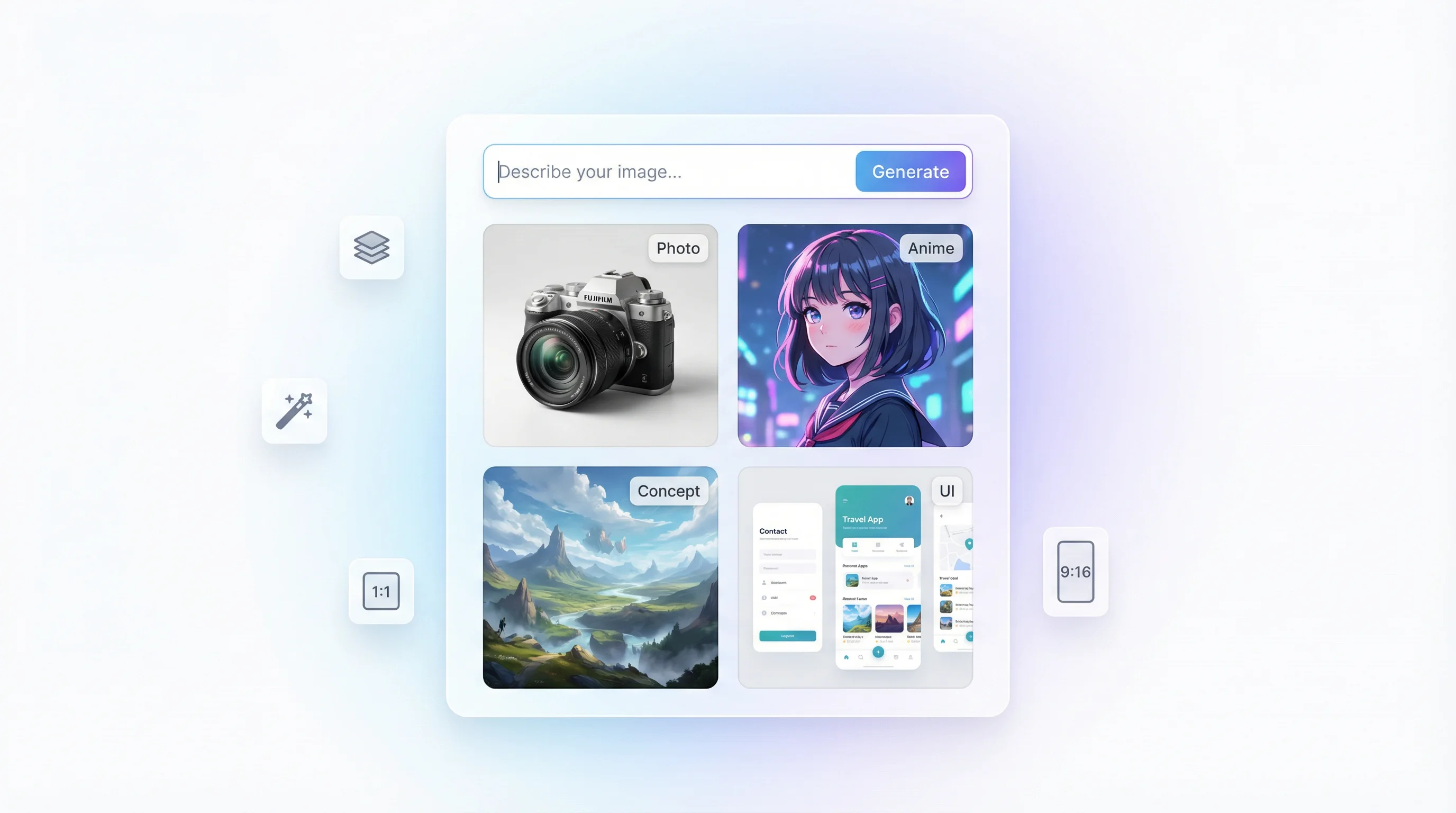
AI Image Generator
/ 02IMAGE

AI Image Generation APIs

Generate images from text or edit them with natural-language instructions and reference images, with support for text rendering, character and product consistency, local edits, and multi-image references. Available models include , , , and more. Compare by output resolution, editing precision, generation speed, and cost per image.

Explore All Image APIs →
LLM Chat
/ 03LLM

LLM & AI Chat APIs

Build chat, complex reasoning, code generation, and agent workflows with tool calling and structured outputs. Available models include , , , and more. Compare by reasoning and coding capability, response speed, context length, and token cost.

Explore All LLM APIs →
AI audio and music generation interface
/ 04AUDIO

AI Audio & Music APIs

Generate complete songs, soundtracks, vocals, narration, multi-speaker dialogue, sound effects, and ambience from prompts and reference audio. Use for full-track music generation and for controllable voice, dialogue, and mixed audio. Compare by output type, duration, controllability, generation speed, and cost.

Explore All Audio APIs →
/ 05 — Production

Built for Production

Reliable infrastructure, transparent pricing, and real-time control — so you can ship with confidence.

Never Fail a Request

Check current service status uptime with automatic failover.

Check current service status
> failover: auto
> latency: <50ms
Check current service status%uptime

One Dashboard, Total Control

Track usage and costs in real-time.

1dashboard
45K calls
$89 saved

Smart Model Routing

One request, current channel status shown — check the current channel status and applicable price before calling.

request → TommyAPI router
├─ model selection
├─ applicable price
└─ auto failover
response ← best provider
<50msrouting overhead

Transparent Model Pricing

Usage-based pricing across all models. View model costs before you call.

Usage-based pricing
Pay only for what you use
No monthly minimums
View pricing per model
Pay per usepricing model
/ 06 — Integration

Integration in 4 Steps

Unified interface design, compatible with OpenAI, Anthropic, Google and other mainstream SDKs. Seamless migration with zero barriers.

01

Sign Up

Check your account balance before calling.

02

Create API Key

One-click generation of globally-applicable API Key with easy management.

03

Choose Integration Method

Supports OpenAI, Anthropic, Google formats. Unified gateway auto-adapts, no code refactoring needed.

04

Start Calling

Update Base URL and API Key, instantly enjoy intelligent routing and applicable price.

/ 07 — FAQ

Common questions

Everything you need to know about using TommyAPI for production AI workloads

TommyAPI provides a shared API entry point for the models listed in its public catalog. Check each model’s current channel status and price before integrating.
Usage is billed according to the model and your account group. The public pricing page shows default-group input and output prices where verified. Media prices depend on request specifications; check them before calling.
For compatible text models, configure the documented base URL, your API key and the exact model ID. Model-specific parameters and media endpoints can differ; start with a small request and inspect the response.
The model catalog contains the current public list, provider filters and detail links. It is the source for model availability; a vendor announcement does not automatically mean that model is available here.
An upstream outage may cause requests to fail. Channel state is shown in the model details; an alternate model is not equivalent to the originally requested model. Handle errors and retries in your application.
Latency depends on the chosen model, upstream service, network and request size. Measure response times with your own workload; no fixed latency or uptime guarantee is implied.
Keep API keys on your server and avoid including credentials in prompts. Review the applicable privacy terms and upstream policies before sending sensitive data.
Use your TommyAPI key for models available to your account. Permissions, balance, group and the model’s channel state affect whether a request can run.
TommyAPI offers one entry point and a shared public catalog for supported models. Compare the exact model, applicable price and channel state against your application requirements before choosing a route.
Check your account balance before calling.
SYSTEM_OPTIMIZED::READY

Ready to access AI models for production?

One API. Every model. Built for production.

Check your account balance before calling.No Credit Card5-Minute Setup